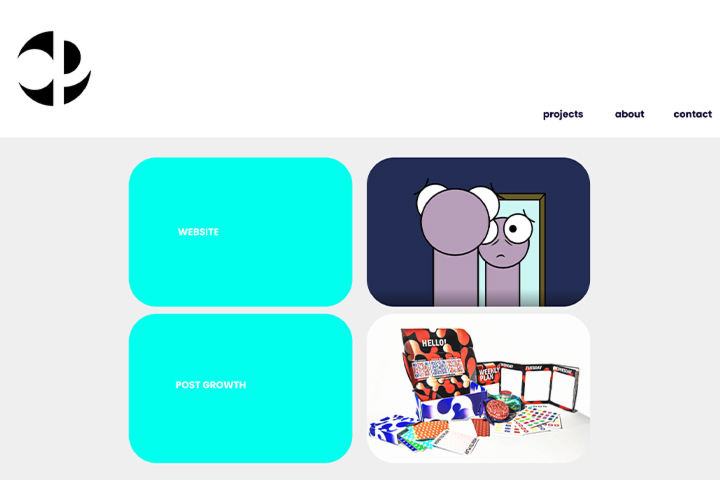
To code and design a website for an online portfolio that displays various projects whilst keeping a clear and simple experience when navigating.
My Response
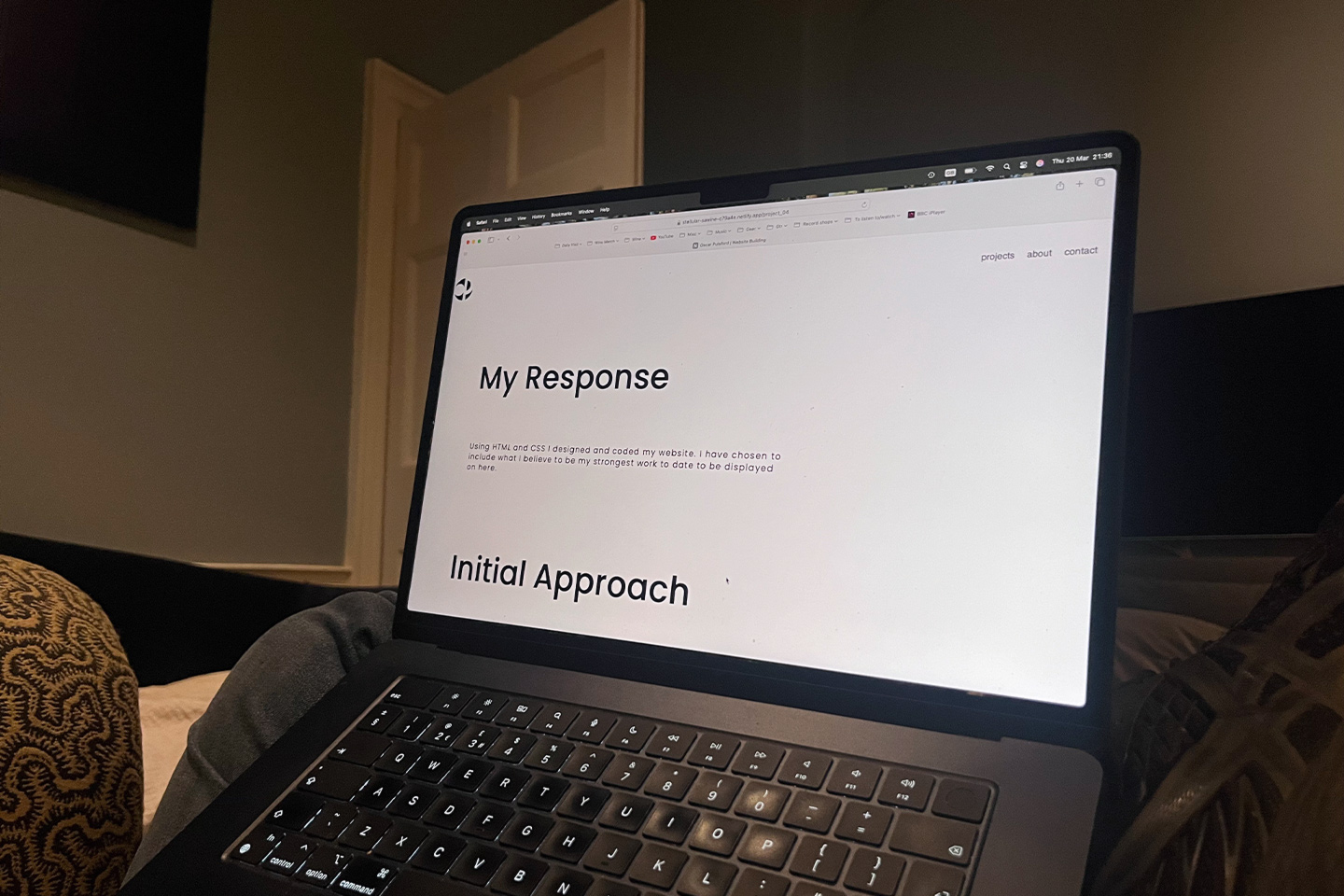
Using HTML and CSS I designed and coded my website. I have chosen to include here what I believe to be my strongest work to date.
Initial Approach
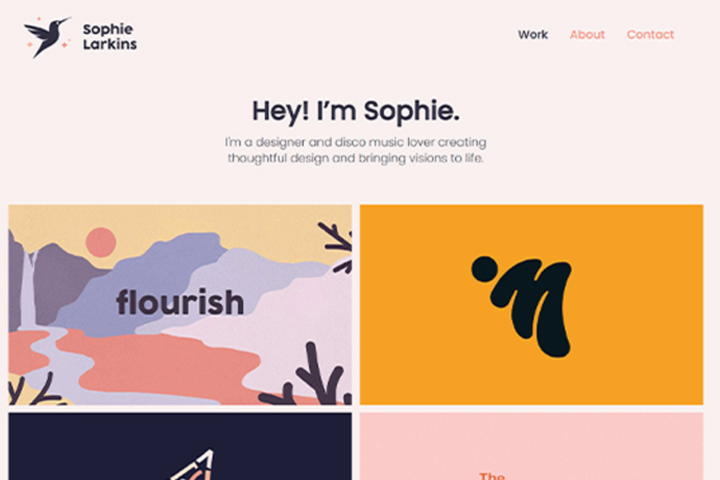
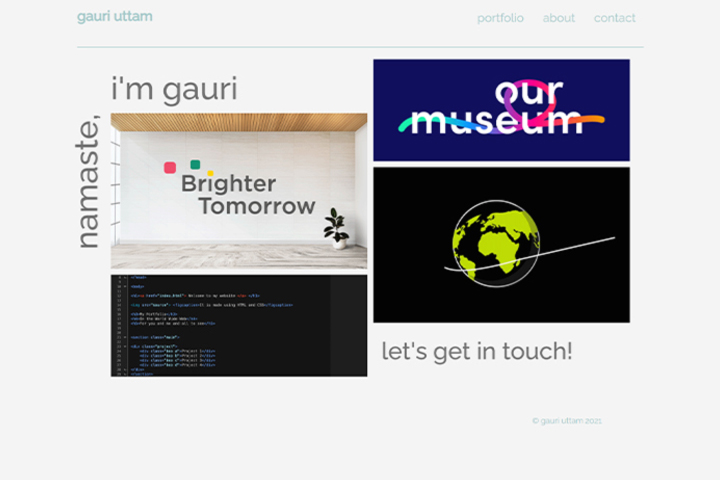
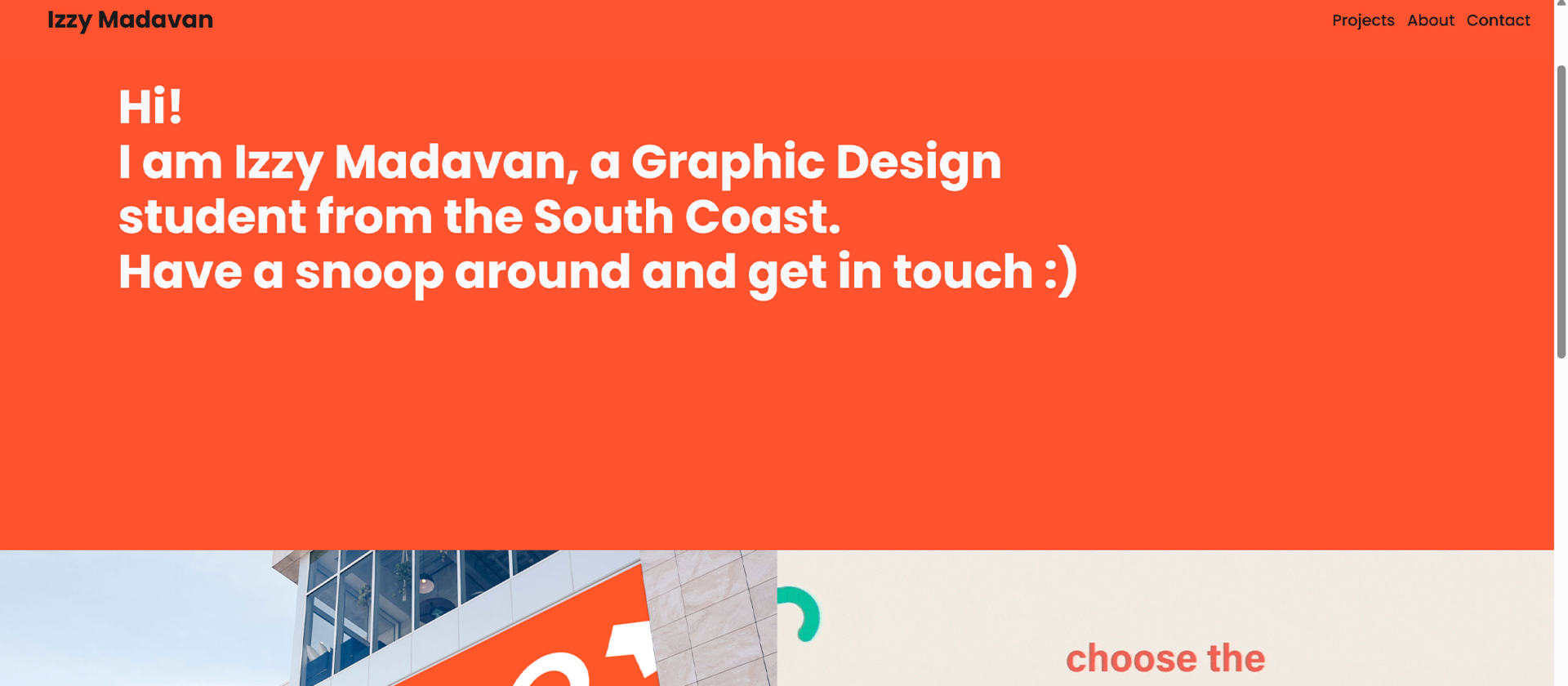
Above: Screenshot of Sophie Larkins' Website.Above: Screenshot of Gauri Uttam's Website.Above: Screenshot of Izzy Madavan's Website.
I began this project by looking at earlier student examples for inspiration on how I’d like my website to look.
Seeing what others had done helped me to understand what I wanted to achieve with my own website.
I was very much drawn to the straightfoward minimalist approach when it came to website design, so I set that as my goal for my website.
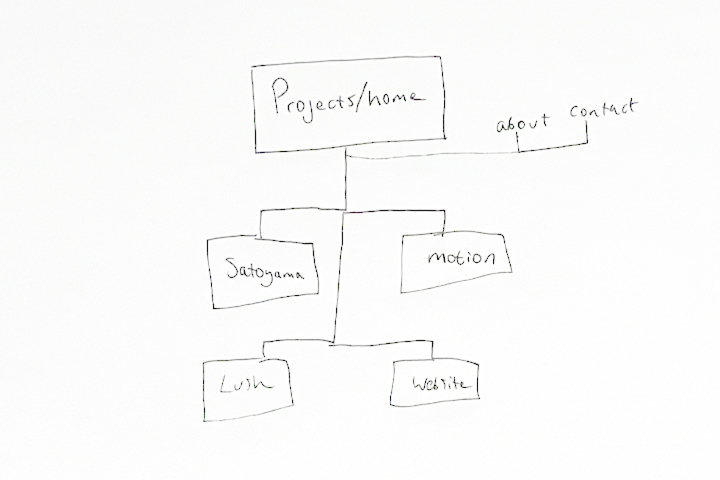
Above: Initial Wireframe Sketches.Above: Content List For Website.Above: Figma Page Layouts.
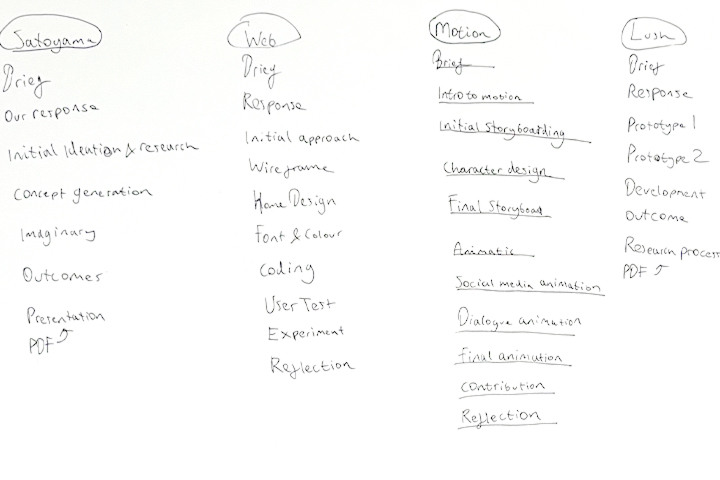
I started off the planning of my website by sketching out a flat plan of how I’d like it to function based on other examples I had been shown.
I then created a content list to help me lay it out.
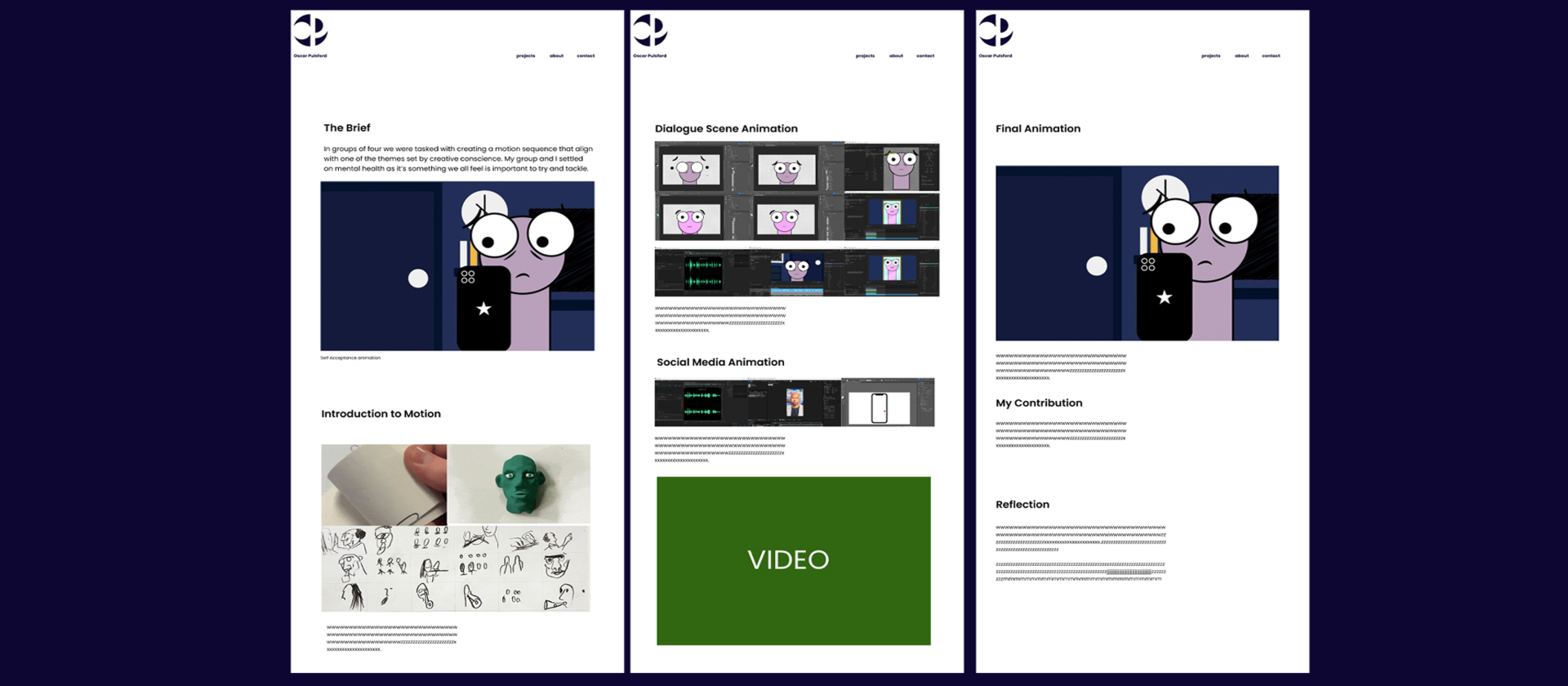
I used Figma to create page layouts to plan.
Home/Projects Page Design
I wanted to keep my home page quite simple as I didn’t want to overwhelm the user and myself.
I created a few variations on Figma and then went ahead to choose a style to develop.
Font and Colour
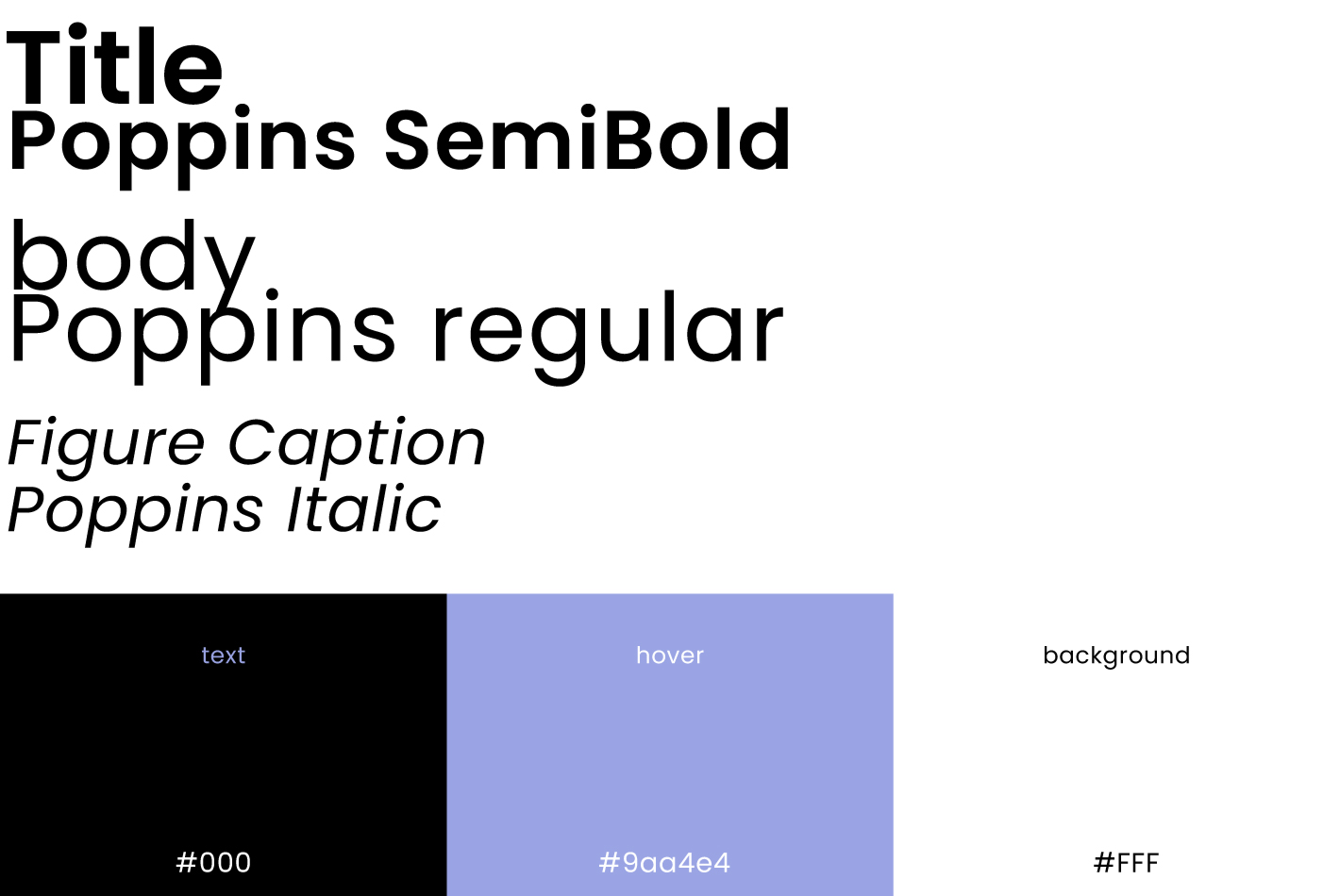
Keeping in line with my minimalist theme I chose Poppins to be my font.
It works on most browsers, making it accessible.
Instead of using colour I decided to keep the website monochrome. This would prevent the images from the projects from clashing and would keep a consistent look.
I also chose black on white text as it is the most legible.
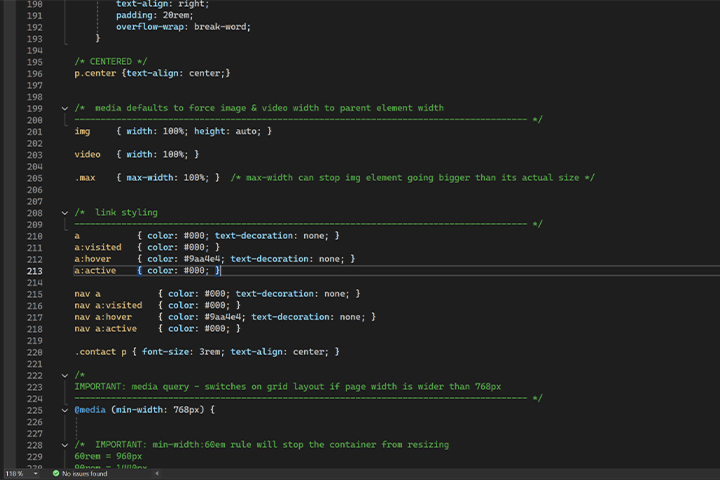
I added a very light purple for the visiting links to add a soft touch of colour, which goes very well with the white.
Coding
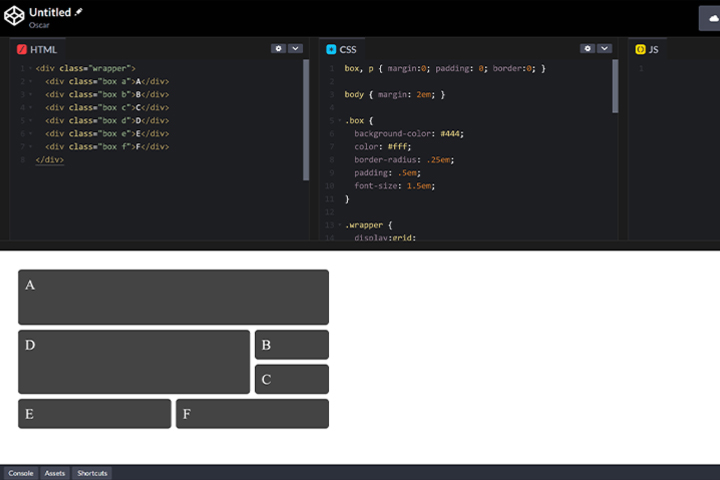
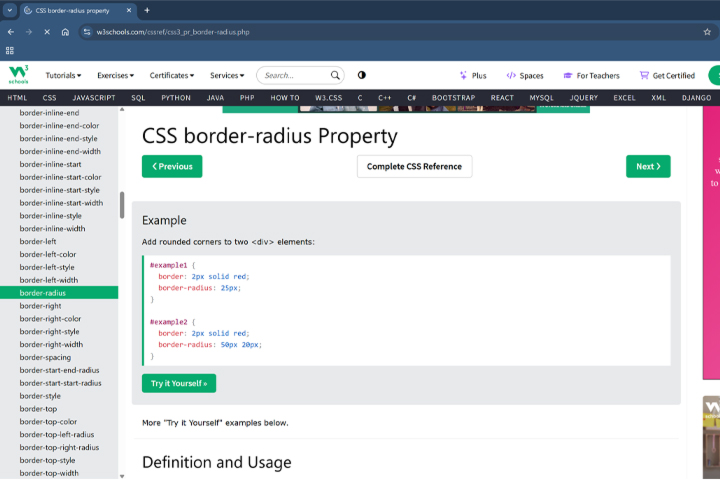
Using CSS and HTML for the first time was very challenging, however using resources like W3Schools and Codepen enabled me to pick it up fairly well.
Experimenting
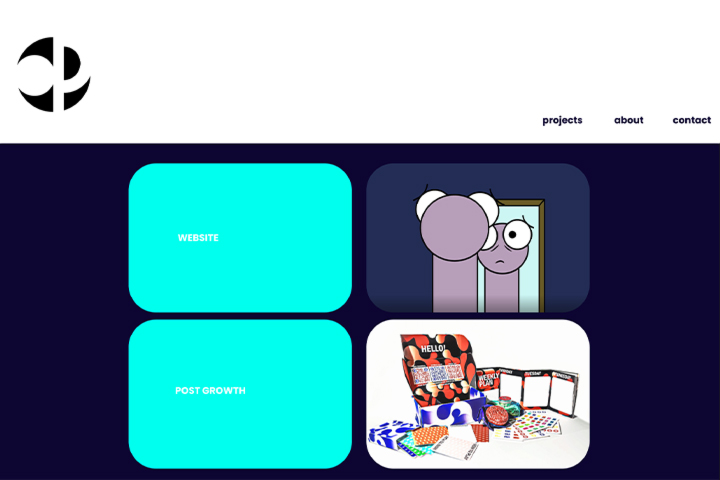
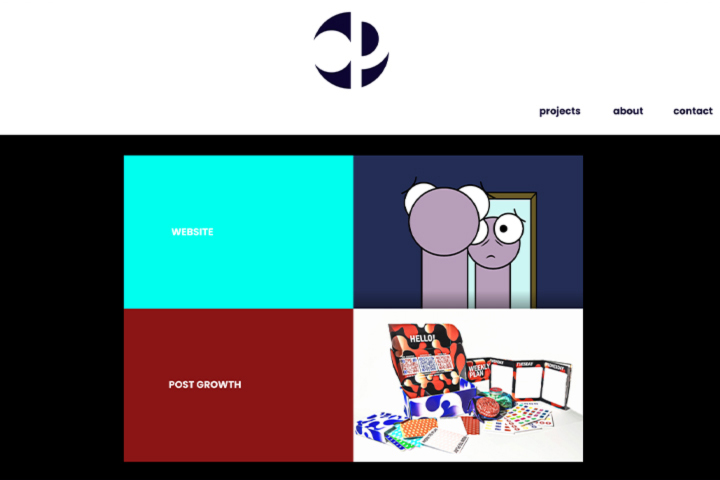
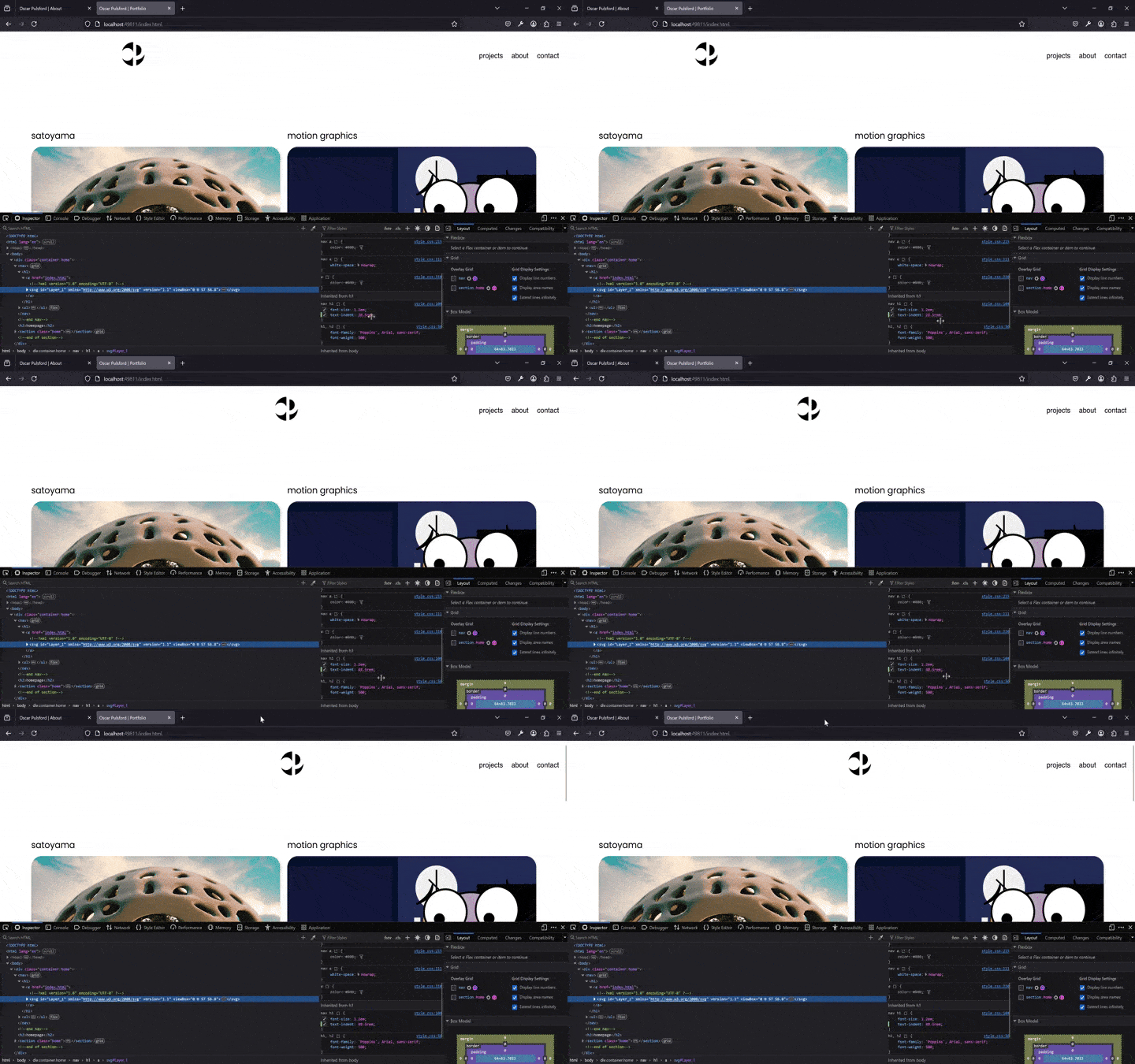
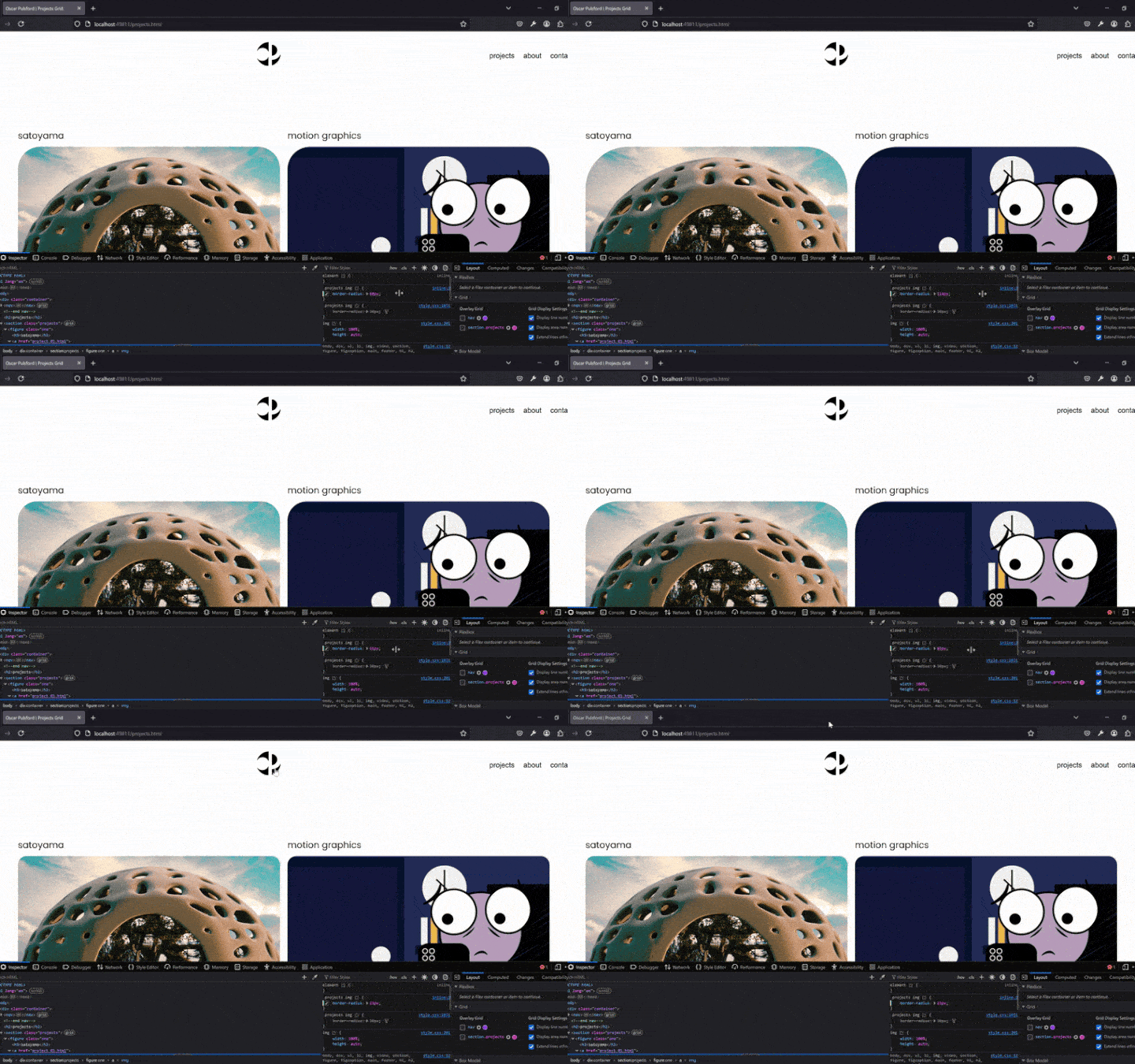
Above: Moving the Logo Using Text Indent.Above: Rounding the Project Boxes
Using the inspect element tool on browsers to adjust things without changing the code was very helpful for experimentation.
I had completed the home page, but I was unhappy with how the navigation bar looked as the logo.
The Logo was too far to the left, so I experimented with the positioning of it.
I used the inspect element tool to change things around and then took note of what I changed and added it my CSS.
User Testing
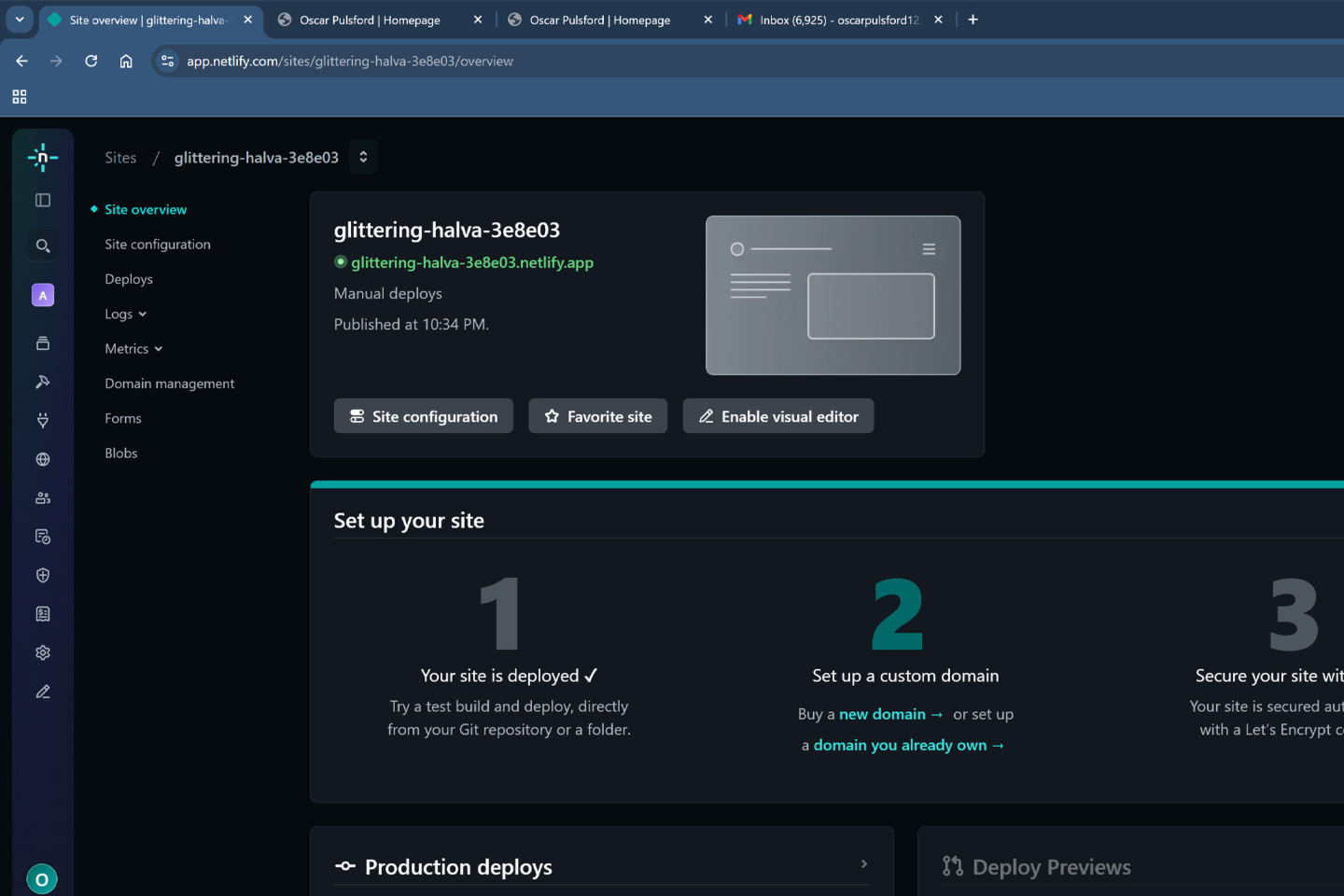
Above: Screenshot of Website on Netlify.Above: User Testing on Mac.
I uploaded my website to Netlify and tested it to see if there were any issues. I couldn’t find any issues, but I asked a few friends to test it for me.
They found that the navigation bar was a bit too close to the top of the page and that the logo was too far to the left. I later fixed these issues.
I was also told that there were quite a few typos in my copy, so I went back and fixed those.
Overall the feedback was positive and the issues that were raised were easily fixed.
Reflection
Upon reviewing this project, I discovered that I found coding to be extremely challenging from a technical point of view.
However, I am now satisfied that I was able to complete the project to what I hope is a decent standard.
I enjoyed wrestling with the technical challenges that writing code and website design have given me.
At times it was a real struggle, but I feel that I was able to get over these obstacles and produce a piece of work that I am very happy with.
It appears that working through the challenges that some projects bring has become a part of the design process that I often enjoy.
Looking back on this project I am happy that I was able to create something I am proud of in a relatively short amount of time and have been able to utilise Coding effectively.
There were many challenges for me in this project as this was my first time designing a website, let alone coding one.
Learning HTML and CSS was a challenge and something I had never considered doing.
Fortunately, when I found the project to be challenging to navigate, I was lucky enough to have friends around me who were able to help me understand where I was going wrong.
In the end through understanding the concepts I found that I began to enjoy the challenges of the work.
Lines of code no longer filled me with dread and using codepen.io and w3schools was extremely helpful in showing me how things work.
Figma was also extremely useful in helping me visualize and plan my outcome.